




Steps to process a Dealer Title Flip
To process a dealer title flip transaction (titling a vehicle in the dealership’s name), you will use the “manual” or “long way” so you do not use your imported deal:
- Click the green Add Vehicle button and proceed to fill in the required information, then submit.
- Select the blue Mark as sold and proceed to fill in the required information, then submit.
- Select the blue Finalize button in the top right hand corner and enter the former title information if you are titling a used vehicle, then select Review, then Confirm and finally, Send to BMV.
Important notes for Dealer Title Flip
- Selling Price — Remember, when processing Dealer Title Flips, the Selling Price should always be $0.00 in Vitu which automatically changes the exemption code to Exemption 9 (Dealer Resale).
- Purchase Price — For Dealer Title Flips, if a dollar amount greater than $0.00 is entered into the purchase price box, Vitu will charge sales tax for this deal. It is very important to be sure to check the purchase price!
- Dealership address — When processing Dealer Title Flips, beware of the address populated by Vitu. Vitu will pull the dealership’s physical address that is on file with the state of Indiana. That said, if you are located at a different dealer address or you process from a corporate office, you will likely want to use the Special Mailing option. The Special Mailing option sends the physical title to the address entered rather than the address on file with the BMV.
Transactions for a purchaser with an out-of-state license
If a purchaser has an out-of-state license, the purchaser must be added to the BMV system prior to processing the deal. Before processing, send the documents below to insupport@vitu.com to have the file created. Once created, enter the customer’s social security number in the FID field for the owner and it will come up. These transactions do not have to be sent into the Vitu office for processing — once the profile is created, you can process the transactions at your dealership.
Note: All new customer files and address changes to the customer BMV profile should be sent to insupport@vitu.com.
When creating a new Customer File or Company File, be sure to include the following required items.
Customer File requirements
- Two current proofs of Indiana Residency dated within 60 days
- Proof of FULL Social Security number with one of the following:
- Social Security Card
- W2 showing full social social security number
- Pay Stub showing full social security number
- Proof of Identity with one of the following:
- Out of State License
- US Passport
- Birth Certificate
- Foreign Passport with Visa
- Employment Authorization card
- Permanent resident card
Company File requirements
- Proof of Federal ID number
- Indiana Retail Merchants Certificate
- Tax return or the letter from the IRS giving them their Federal ID number
- Two current proofs of Address dated within 60 days
- Must be registered with the Indiana Secretary of State
Most importantly, the Indiana transaction bundle cover page MUST be the first page in your PDF upload. If it is not on top, it will not go to our scan queue and WILL result in delays to your transactions because of being audited and scanned to the state for title issuance.
If scans look bad when you scan them in, they will look worse when we print them. It is very important that the scan quality is good. The BMV requires a working scanner with good quality to be able to use the scan solution.
If you are a current scan customer with an approved scan agreement and you have been trained by one of our Vitu Account Executives, please be sure to follow the specific steps and specifications below when uploading bundles into Vitu.
Steps to scanning bundles
- Close the Bundle at the end of your processing day.
Note: Vitu prefers only one bundle per day but we understand there are times when another one has to be opened.
- Print the bundle documents using the print icon to the right.
- Arrange bundle paperwork in order as mentioned on page 4 of your Indiana EVR Processing Guide.
- Scan the entire bundle into a file including the back of the title, noting that the Indiana BUNDLE/TRANSACTION REPORT MUST be the first page of the upload.
- Review the PDF Scan for visual appearance prior to uploading.
- Open the Bundles page and select the Upload Bundle icon.
- Drag and drop the file into the window or select Browse and locate the scanned file on your computer.
- When the file upload is completed, select Add Document.
Required upload file specs
- File Type must be in PDF or TIFF format
- Scan Resolution must have a minimum of 300 DPI
- Scan File Size must be 50 MB or less
Note: If a single file is larger than 50MB, the bundle can be separated into multiple files/uploads. If you are uploading multiple files, the bundle cover sheet (showing all processed transactions) MUST be the top page of each & every separate uploaded file.
- All Scans should be done in GrayScale — no color or black and white scans please.
- Please remove any and all Blank Pages from the scanned documents. If you are scanning “front and back” please consider turning off this feature and simply copying the back of the surrendering title prior to scanning.
- ALL BARCODES MUST BE PRINTED CLEARLY! There can be no distortion, printer lines, or faint barcodes or your scan will not process.
Helpful Tip: If your copies are bad, ours will be worse.
- Indiana BMV Copy must be the first page of each individual deal.
There can be no special characters in your filename, such as ! # $ % & ' ( ) + , - . / : _ and ~.
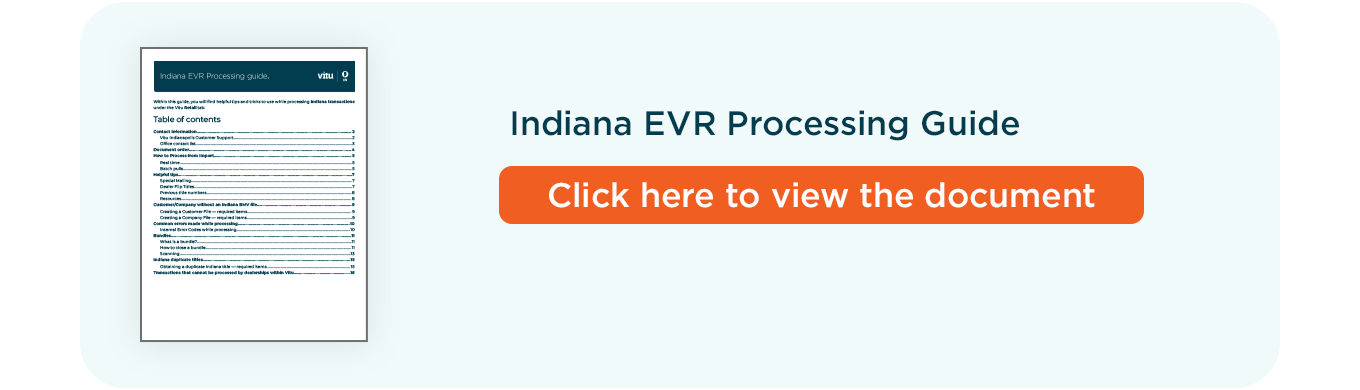
Updated EVR Processing Guide
You can view and download the newly updated Indiana EVR Processing Guide by clicking the image below.

Select the "+" for inside information
Interstate Power Tips

AT + NTX News



Send your entry to infunfacts@vitu.com, along with your name and contact information. We will randomly select one winner from the current entries. The winner will receive a $25 Amazon gift card.
Submit your response no later than May 6, 2026. The winner will be notified by May 11, 2026. Please limit responses to one email per person. Allow up to one week for delivery of the prize to your email address.
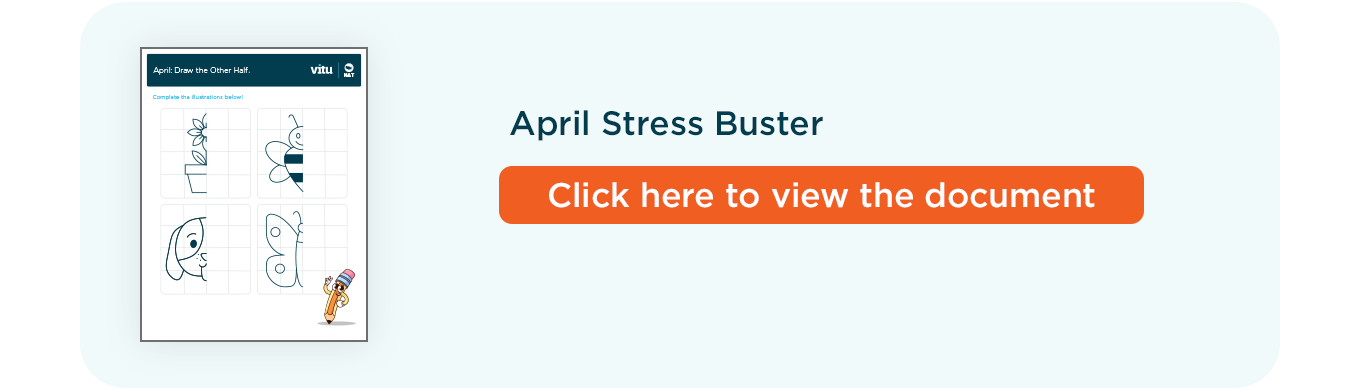
Last Month’s Stress Buster Winner
Congratulations to the winner of last month’s Stress Buster Contest!
- Marlene Scott


